About Pixel Fantasy Adventure
Six tiles, and what each of them means
A solid block is exactly what it looks like: you stand on it, you cannot pass through it, and walking into the side of one stops you. A thin platform is one-way - you land on it from above but jump straight up through it from below, and it is drawn thinner with a lit top edge so the difference is visible at a glance.
Spikes cost a life on contact. Keys open the screen's door, and the door shows how many are still missing. Treasure is score.
That is the entire vocabulary, and it does not grow across the six screens. What grows is how the six are arranged: The Undercroft is a wide open floor, The Flooded Hall is a vertical weave, and The Sky Vault removes the floor almost entirely.
The stomp is a weapon and a route
Landing on a creature from above defeats it and bounces you back up to about three quarters of a jump. That bounce refreshes your jump, which means a stomp is a movement option as well as an attack - and it is the reason the later screens place bats underneath the platforms you most want to jump from.
A stomped enemy scores nearly twice a struck one, because it is the harder and more useful of the two. The sword swing exists for enemies you meet at your own height, where a stomp is not available.
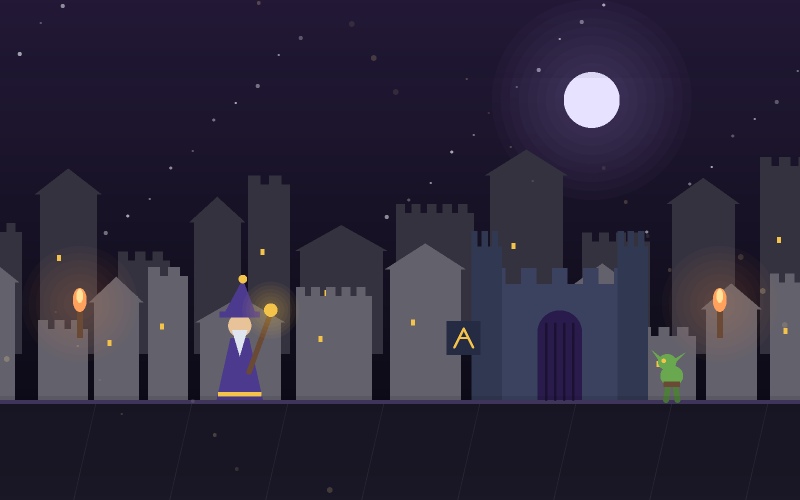
Goblins patrol fixed ground paths; bats fly fixed sine paths. Both come from the shared bestiary, so a creature you learned in Monster Escape behaves identically here.
Why the collision resolves vertically first
Tile collision is resolved on the vertical axis before the horizontal one. That sounds like an implementation detail and it is the difference between a platformer that works and one that does not.
Resolving horizontally first lets a player who is walking into a wall at the exact moment they land get pushed through the floor - the classic tile-collision bug, and one that is almost impossible for a player to diagnose or forgive.
The practical result is that landings are reliable even in the tight vertical shafts of screens four and six, where you are frequently touching a wall and a floor in the same frame.
Screens, lives and time bonuses
Three lives are shared across all six screens. Losing one returns you to the start of the current screen with your collected keys intact, so a mistake costs the screen rather than the run.
Clearing a screen banks 500 points plus a time bonus of up to 900, which means a screen solved is worth substantially more than a screen survived. Players chasing a high score tend to replay the early screens for speed rather than pushing further into the late ones.
Finishing The Sky Vault completes the game outright - one of only two games on the site with an ending.
How to play
- Press Space, Enter or tap to start in The Undercroft.
- Press Left/Right or A/D to move, Up or W to jump.
- Jump up through thin platforms from below; solid blocks stop you.
- Collect every key on the screen - the door shows how many are left.
- Land on a goblin or bat from above to defeat it and bounce.
- Press Space to swing at anything at your own height.
- Three lives are shared across all six screens.
Controls
| Where | What to do |
|---|---|
| Keyboard - move | Left/Right arrows or A/D |
| Keyboard - jump | Up arrow or W |
| Keyboard - strike | Space |
| Keyboard - pause | Escape or P |
| Touch - move / jump | Tap the sides to move, the top to jump |
| Touch - strike | Tap near the knight, or the Strike button |
Scoring
These are the point values this game awards, before the combo multiplier is applied where it uses one. Hit quality changes the figure: a strike at the centre of the correct moment is worth substantially more than one at the edge of it.
Tips
- Thin platforms can be jumped up through. Solid blocks cannot - the drawing tells you which.
- A stomp refreshes your jump. Chains of two or three are the fastest route on later screens.
- Keys are worth zero points. Collect them for the door, not for the score.
- Clearing a screen fast is worth more than everything you can collect on it.
- Losing a life returns you to the screen start with your keys, so a mistake is not a disaster.
- The Sky Vault has almost no floor. Learn the bat paths before you commit to a route.
Common mistakes
- Trying to jump through a solid block because it was in the way.
- Swinging at a bat above you instead of waiting to land on it.
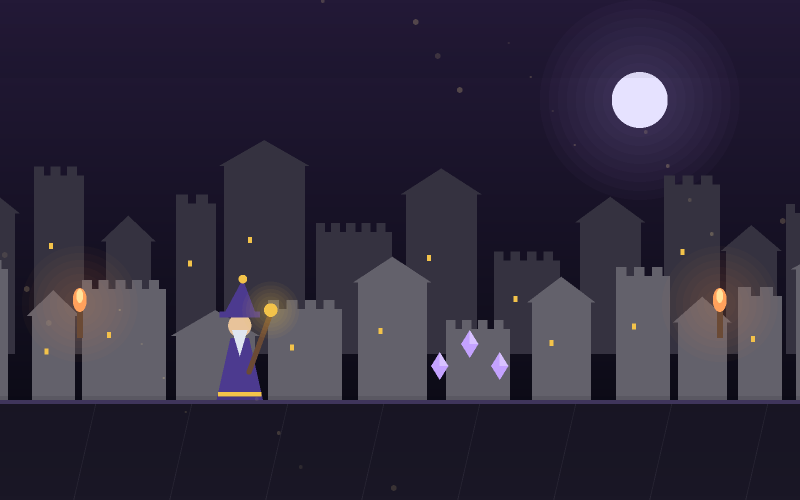
- Grabbing every crystal on a screen while the time bonus drains away.
- Landing next to spikes rather than on the platform, on the vertical screens.
- Assuming the key count resets when you lose a life - it does not.
Features
- Six hand-built screens on a 32-pixel tile grid, drawn entirely at runtime.
- A six-tile vocabulary that never grows, so the difficulty is arrangement rather than novelty.
- One-way platforms that read as one-way before you try them.
- Stomping that defeats a creature, bounces you and refreshes the jump.
- Vertical-first tile collision, so landings against walls are reliable.
- Screen checkpoints and a real ending on the sixth screen.